
All your doujin works.
One viewer.
Images, audio, video, text, PDF — a self-hosted viewer that lets you browse and manage your purchased works as folders, free from any platform.
Scattered viewers, fragile ownership
DLsite, FANZA, Booth, Fantia… different viewers for each platform, different formats for each work. And the risk of losing access if a service shuts down.
Fragmented viewers
Comic viewer for manga, music player for audio, video player for video… constantly switching between apps.
Platform lock-in
DLsite Play is convenient but DLsite-only. Creators leaving or services shutting down means losing access.
Impossible to organize
Hundreds of works scattered across folders. "Where was that work again?" — every single time.
chkdrs solves this
An all-in-one viewer built for doujin works.
All media types
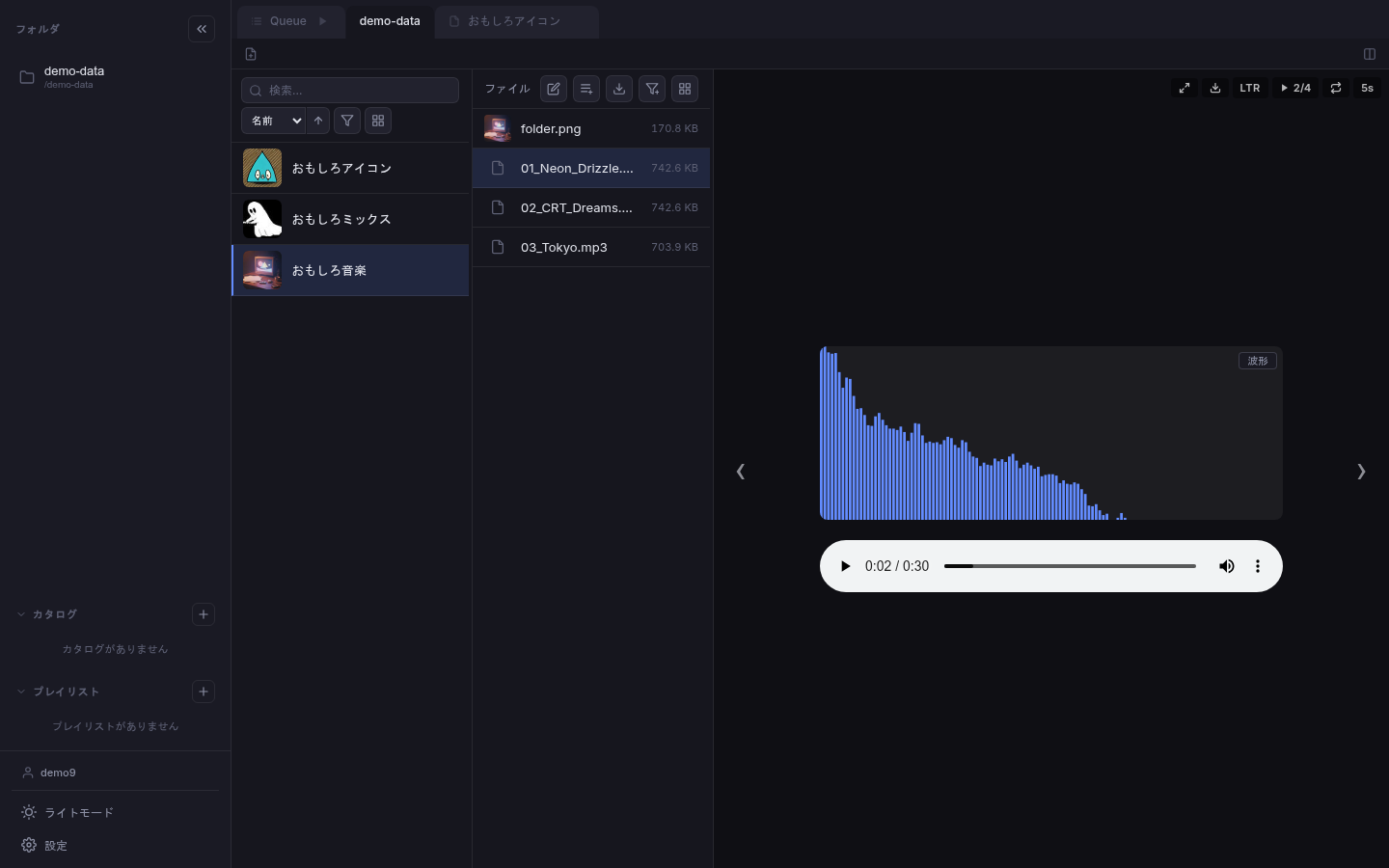
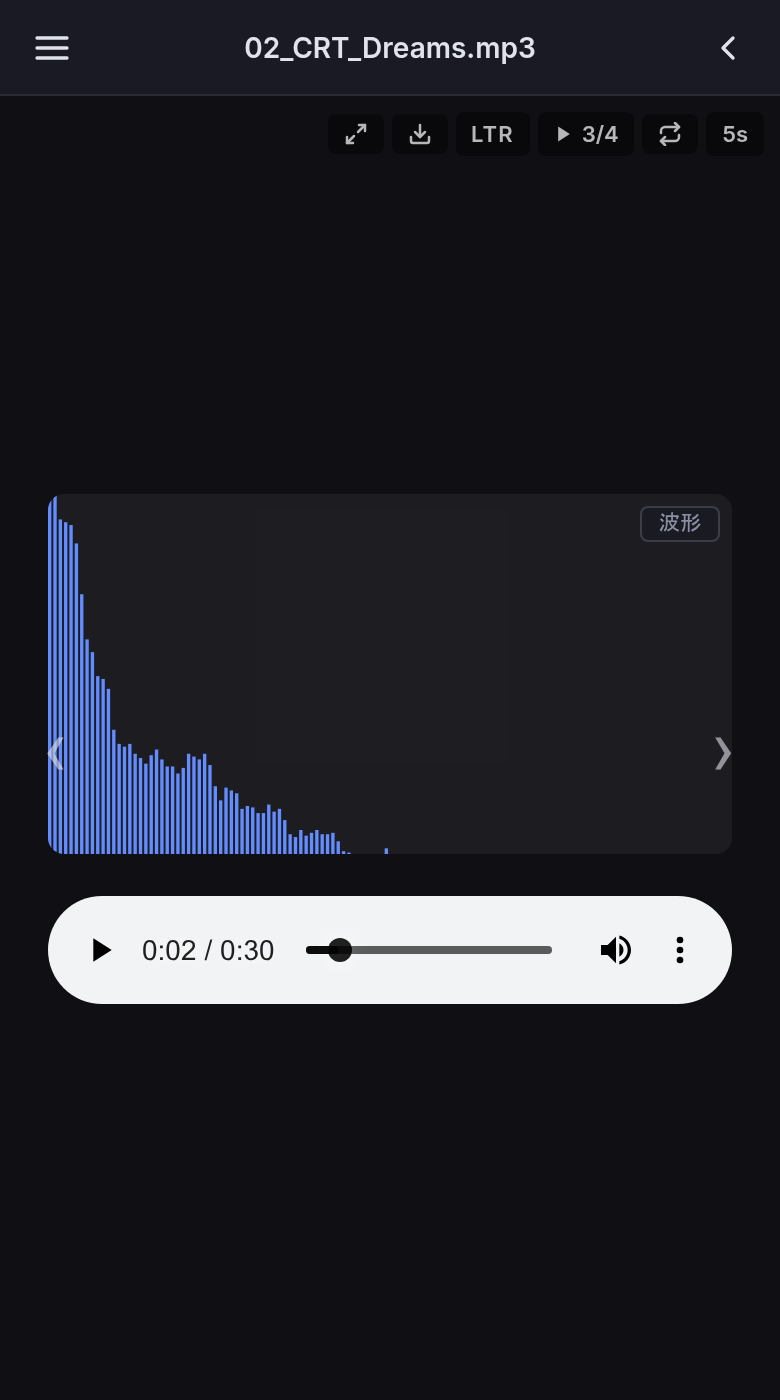
Images, video, audio, text, and PDF in one interface. No more switching between apps for different formats.
Folder = Work
Just extract and place. No import, no format conversion, no modifications to your original files.
Platform-independent
DLsite, FANZA, Booth, Fantia… unite everything in one library, regardless of where you purchased.
Digital sovereignty
Fully local management. Zero external dependencies, no DRM. What you bought is yours.
Japanese content support
Auto charset detection, right-to-left page binding, natural sort order. Correctly displays Japanese doujin works.
Server + Desktop
Host on your NAS and access via browser, or install the desktop app for instant use without a server.
Catalogs & Playlists
Group works across folders into collections, or pick individual files from different works into curated lists.
Security-first
3-layer token system, CSRF protection, per-folder access control. Your personal content stays secure.
Clean, intuitive UI
Dark and light themes. Comfortable viewing on both desktop and mobile.
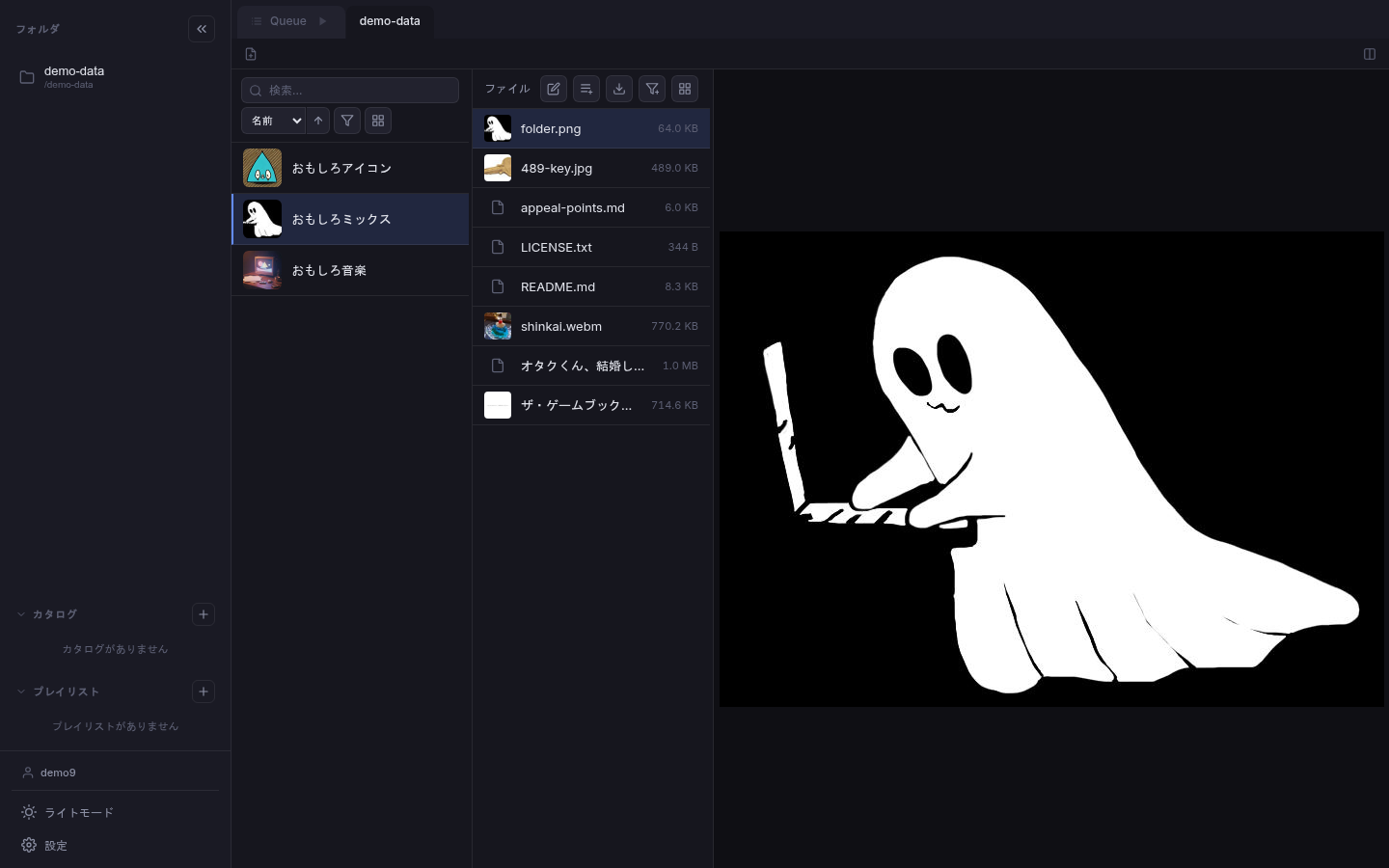
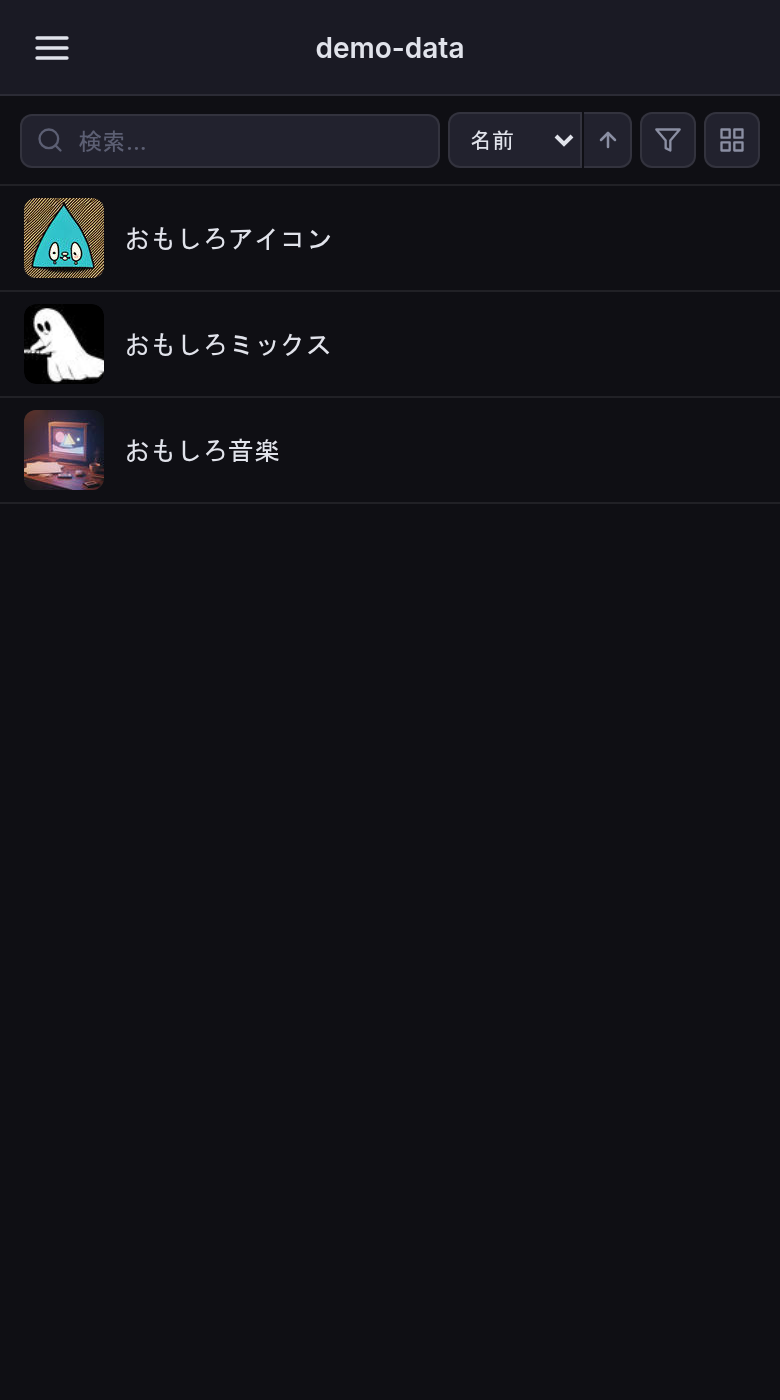
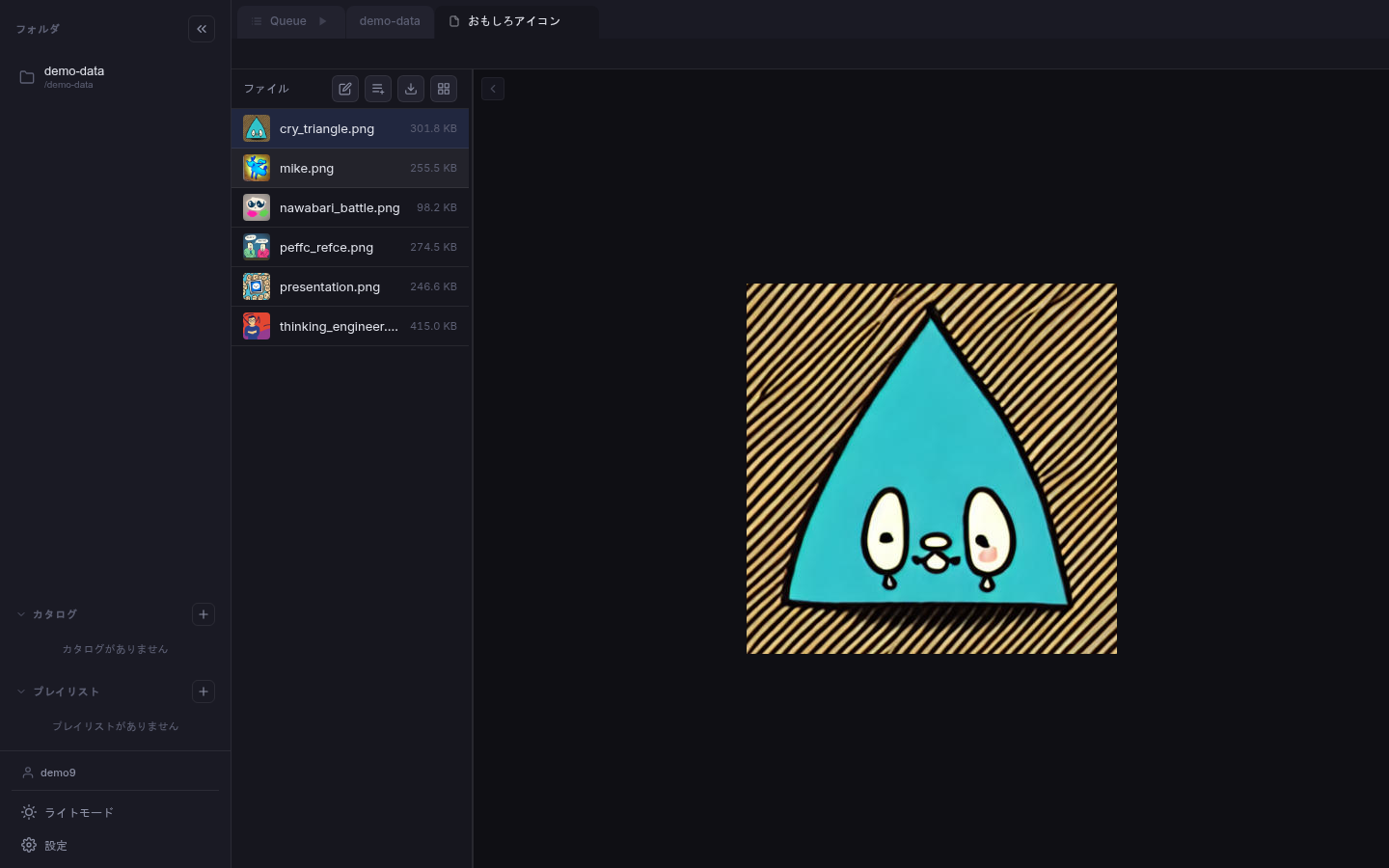
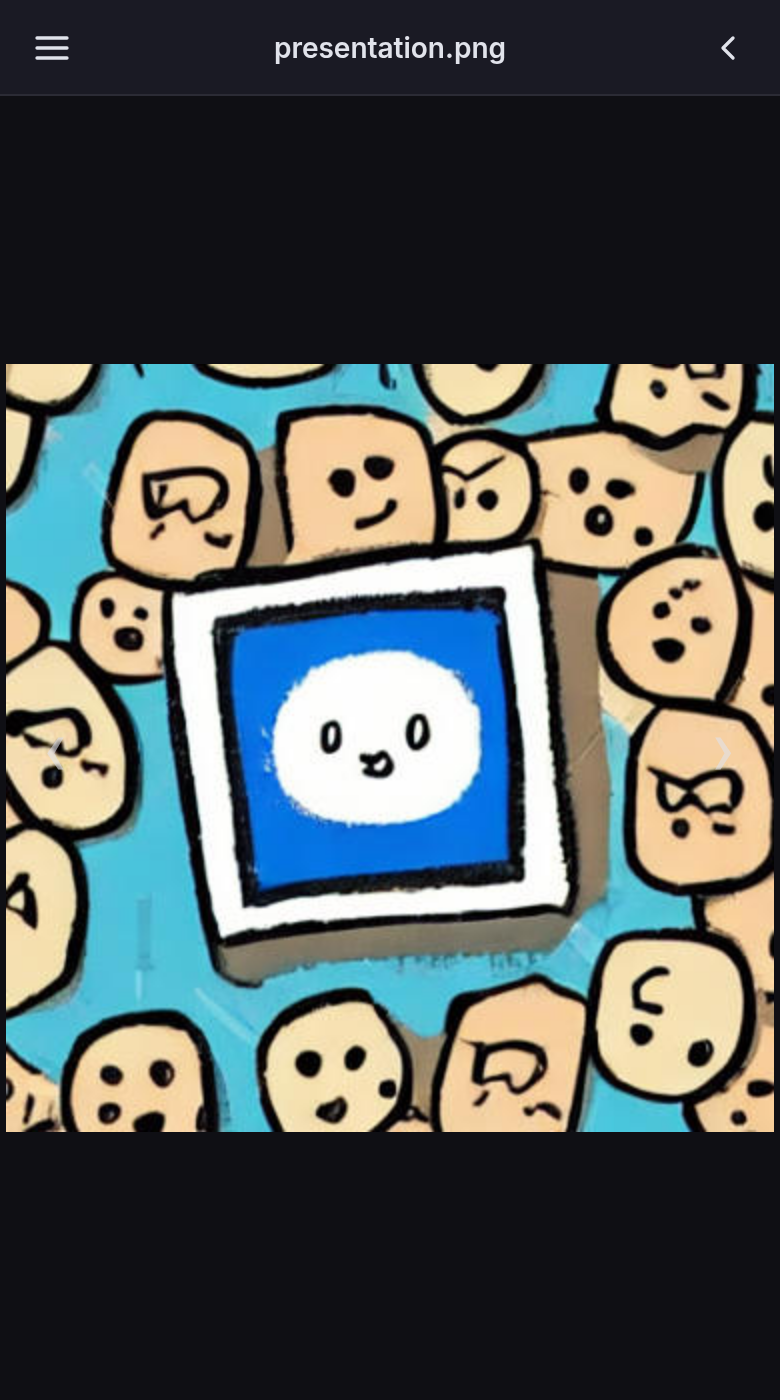
Two ways to use
Same UI, as a server or desktop app.
Server Mode
Deploy on your NAS or home server, access from any browser. Multi-user support with per-folder permissions.
Desktop App
A Tauri-based native application. Install, point to your folders, done. No server needed, no authentication.
Try it first
No installation needed — try the demo site right away.
Log in with a demo account and explore the actual UI. Sample works are pre-loaded.
demo1 demodemo1 demo1 through demo9 available
Get started in minutes
Launch with Docker or download the desktop app.
Server Mode
version: '3'
services:
  chkdrs:
    image: ghcr.io/vividoyomogimochi/chkdrs:latest
    ports:
      - "9820:9820"
    volumes:
      - ./data:/data
      - /path/to/works:/works:ro
    environment:
      - CHKDRS_ALLOWED_PARENT_DIRS=/works
Desktop App
Download the installer for your OS from the Releases page.